
// WareKit · NetSuite edition

Build the NetSuite app your team needs.

Choose a React app inside NetSuite or a Next.js app connected to it. Start with a working foundation.

Code through GitHubConfirm your GitHub account after payment and the repository invite follows.
Runs on fixtures firstExplore every kit locally before you connect a NetSuite account.
Licensed by developerTeam editions license the code for five developers, not NetSuite users.

01 · Where does your app run?

Pick the architecture, then the edition.

The first decision is where the app lives. Everything else follows from it.

02 · Connected to NetSuite

Next.js editions.

These editions are not on sale yet. Leave your email and you will hear when they are.

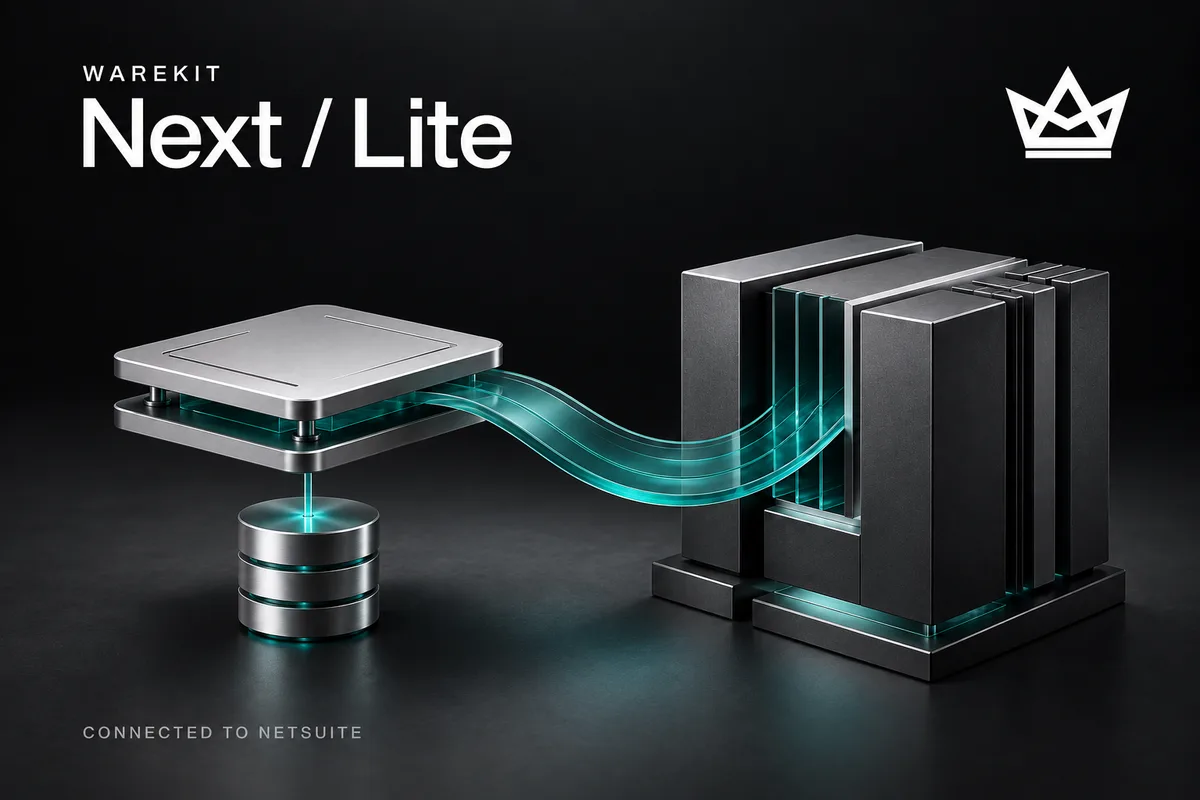
WareKit Next NetSuite (Lite) concept cover
Not on sale yet

WareKit Next NetSuite (Lite)

Next / Lite

Build a Next.js app connected to NetSuite.

Explore the hybrid architecture with local fixtures before connecting your account. Lite stores sessions in Postgres.

  • Browser, Next.js server and NetSuite foundation
  • Sessions stored in Postgres
  • Local fixtures before you connect
Planned1 developer
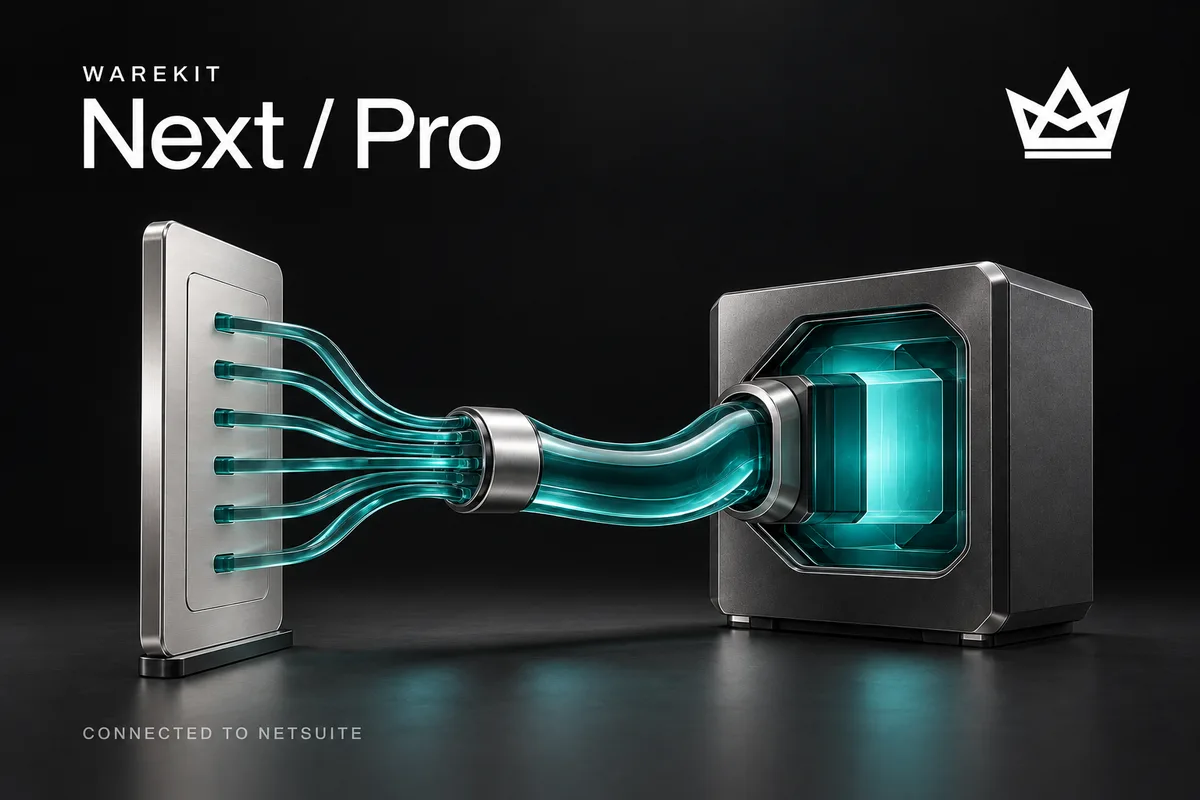
WareKit Next NetSuite (Pro) concept cover
Not on sale yet

WareKit Next NetSuite (Pro)

Next / Pro

Keep your app’s sessions in NetSuite.

A Next.js foundation with NetSuite-backed sessions and caching designed to reduce repeated session reads.

  • NetSuite-backed session storage
  • Caching to reduce repeated session reads
  • No separate Postgres service for sessions
Planned1 developer · 1 NetSuite account
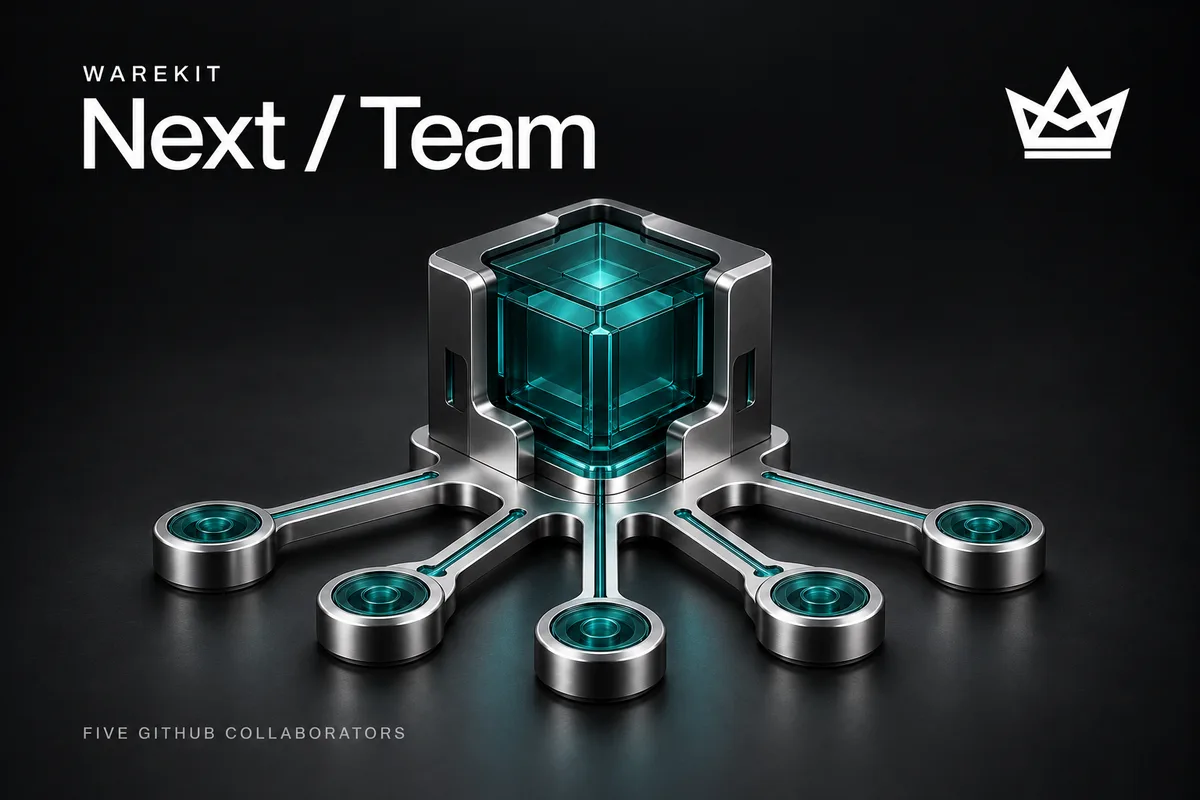
WareKit Next NetSuite (Team) concept cover
Not on sale yet

WareKit Next NetSuite (Team)

Next / Team

Give five developers one shared foundation.

The Next Pro codebase for five developers. Add developers after purchase as your team needs access.

  • Everything in Next Pro
  • Five developers
  • Add developers after purchase
Planned5 developers · 3 NetSuite accounts

Get notified

WareKit Next NetSuite (Lite)

One email when the Next / Lite kit ships. Nothing else.

1Where does the app need to run?

2Who is building it?

3Where should sessions live?

4How many developers need the code?

Your recommendation

Answer to see a pick

Your answers update this as you go. Nothing is saved or sent.

03 · Compare

Only the differences that matter.

Next.js editionsLiteProTeam
RunsHosted, connected to NetSuiteHosted, connected to NetSuiteHosted, connected to NetSuite
SessionsPostgresInside NetSuiteInside NetSuite
Session readsStandardCached to reduce repeatsCached to reduce repeats
Developers115
NetSuite accountsYours or a client's. Sandboxes and Release Preview don't count.Not tracked13
PricePlannedPlannedPlanned

More than five developers or three accounts?

Talk to me about Enterprise

04 · After you buy

From purchase to a working local example.

Running on fixtures is not the same as validated in your account. The path keeps the two apart.

  1. Get GitHub accessWhen an edition ships, confirm the GitHub account that gets the invite.
  2. Run the local exampleStart it with fixtures. No NetSuite account is needed for this step.
  3. Configure your accountSet up authentication and permissions in the NetSuite account you will deploy to. With a paid edition, also add your license key to .env as WAREKIT_LICENSE_KEY, beside NS_ACCOUNT_ID.
  4. Validate in your sandboxProve it against real data in a sandbox before anything reaches production.